What the Hi Eye app does
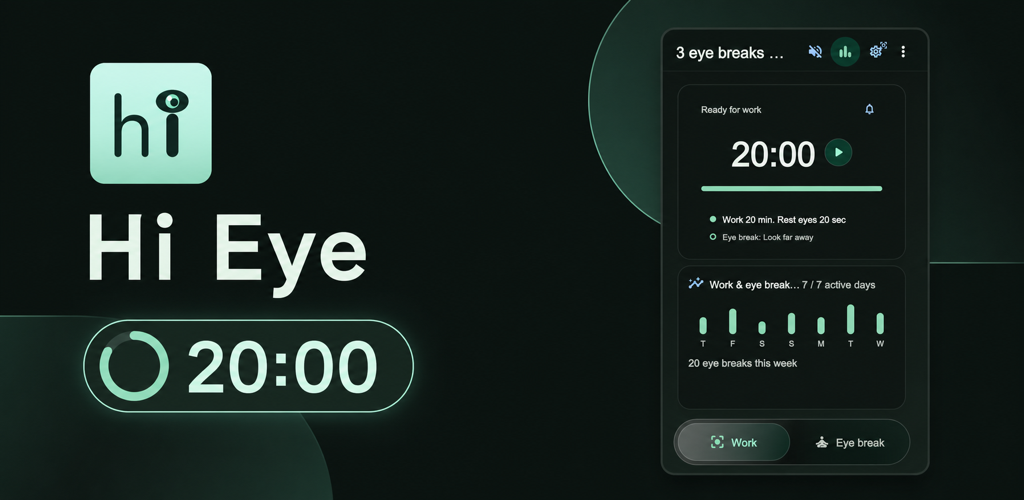
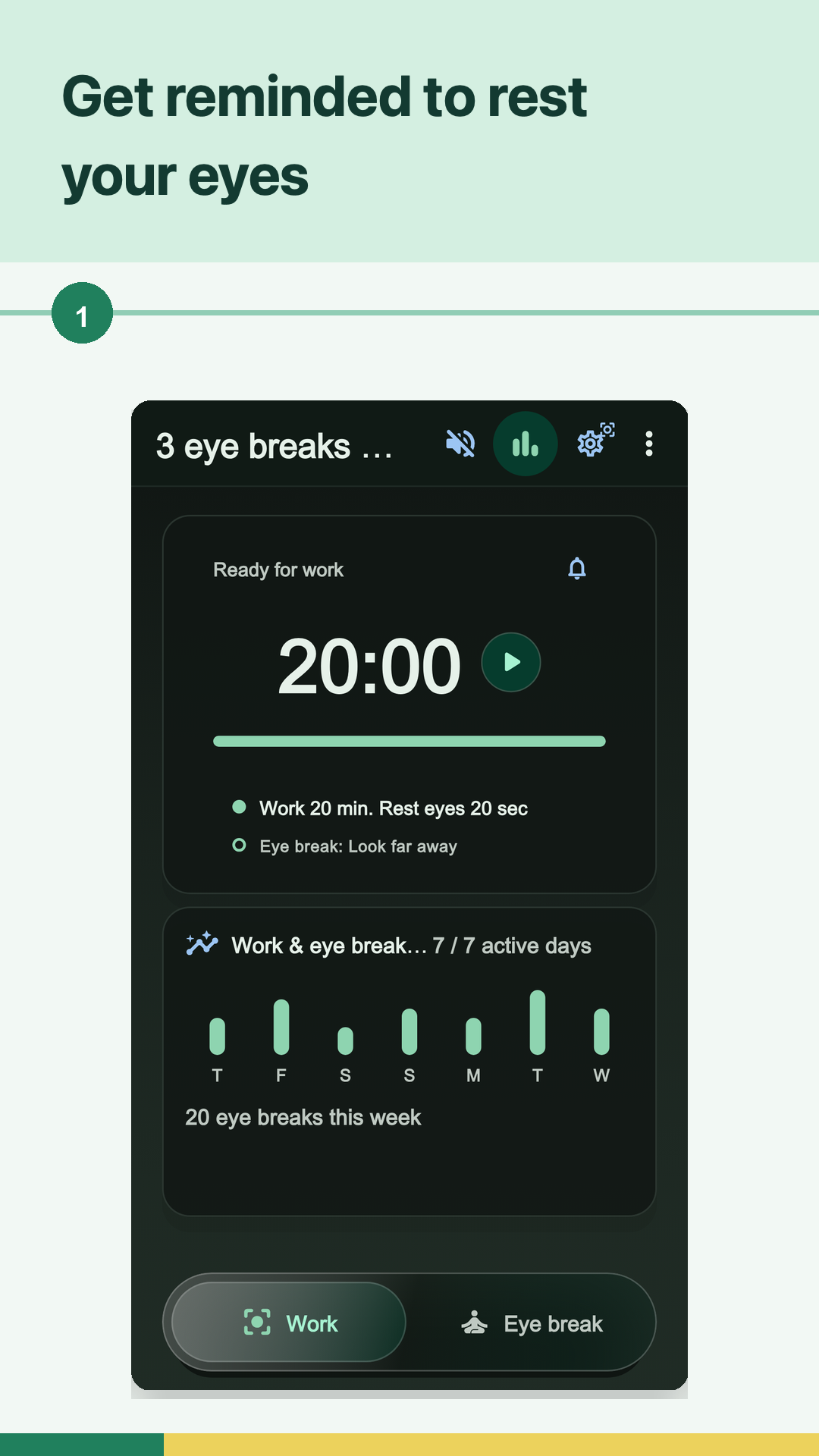
Hi Eye is an eye break timer for people who work, study, read, design, code, or browse for long stretches. You choose how long to work, start the timer, and use the reminder as a clear point to stop looking at the current screen.
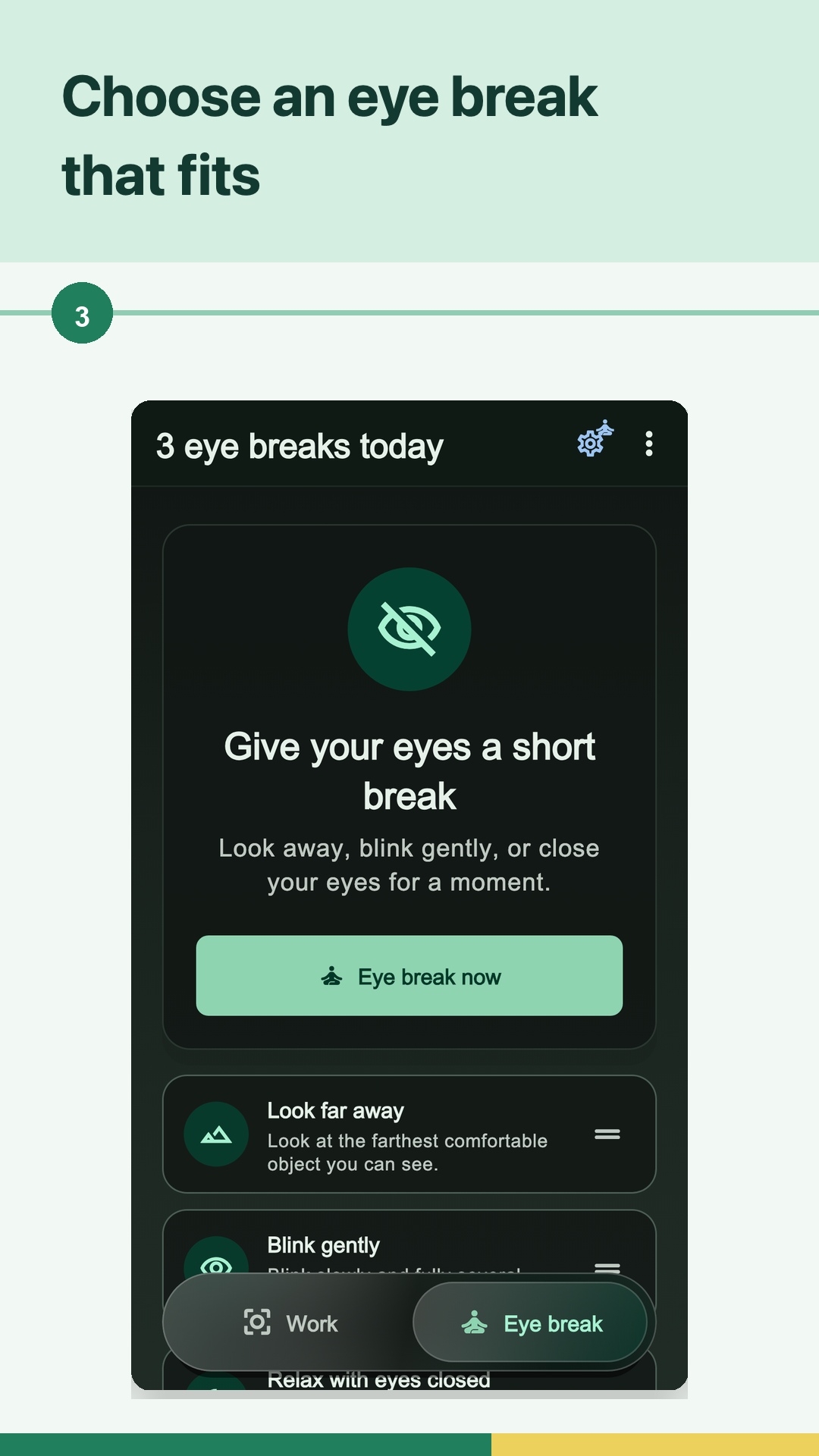
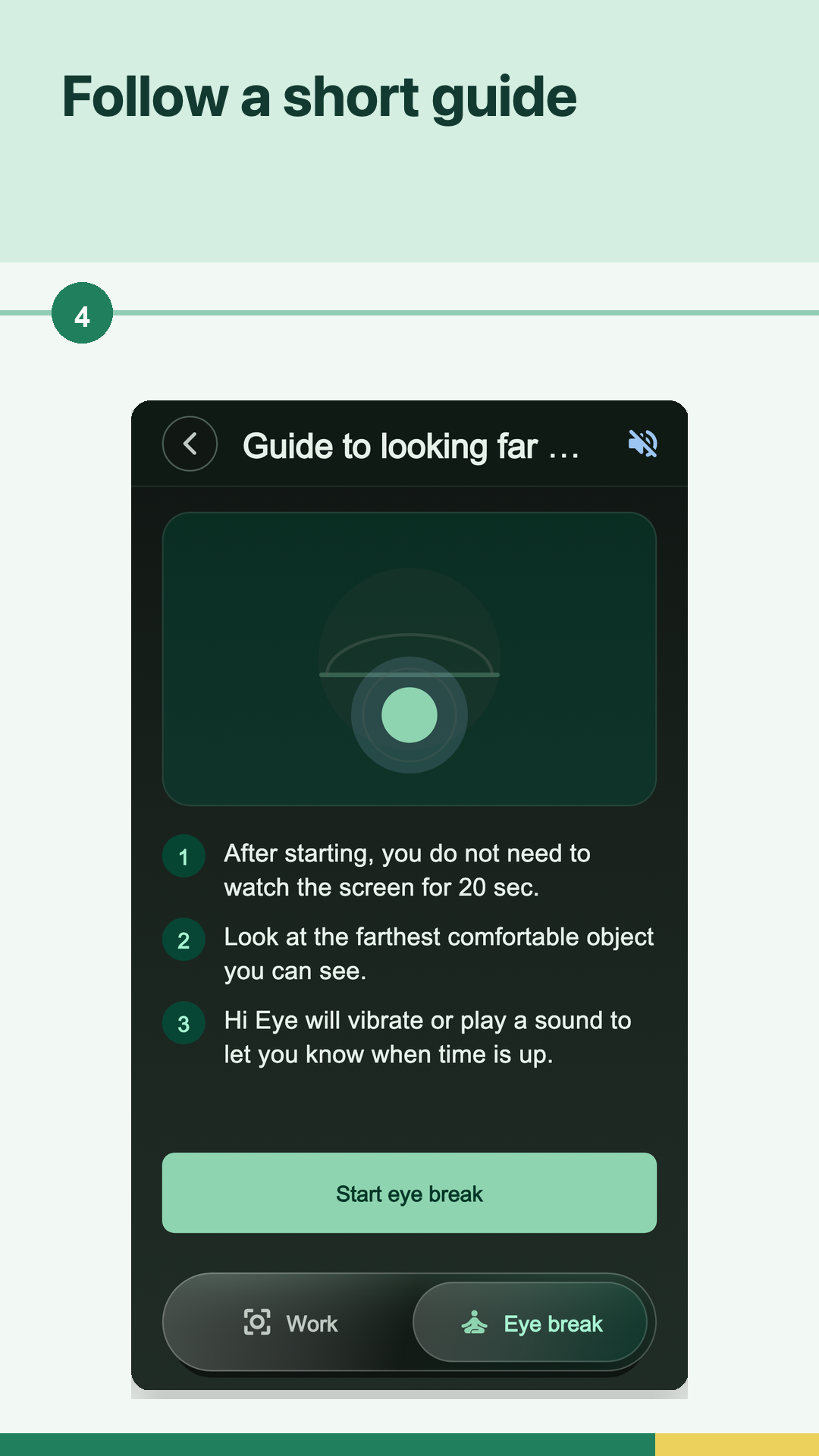
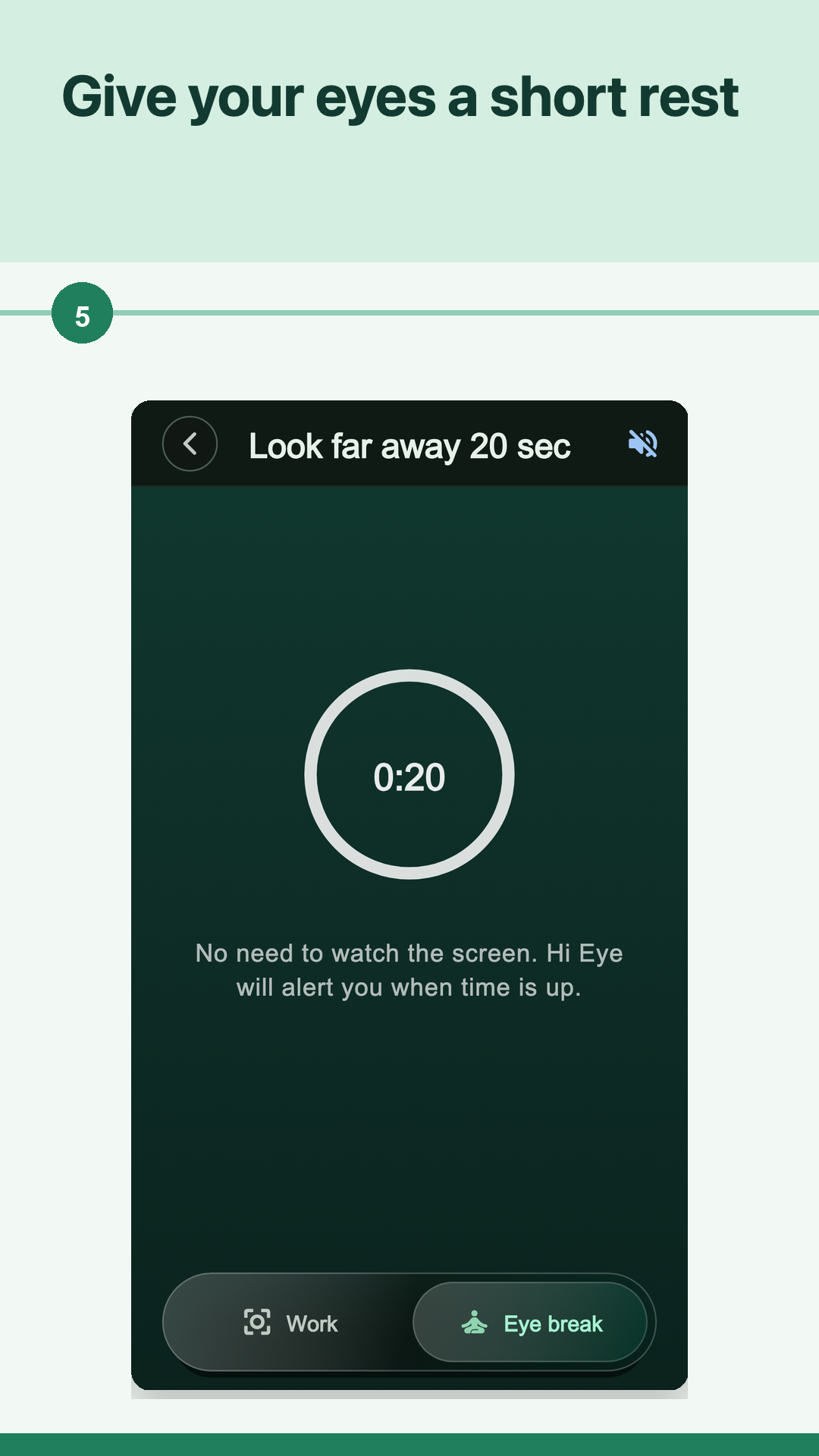
When a break starts, the app gives you one short activity instead of a vague instruction to rest. Complete it, return to the task, and use local progress to see whether the routine is becoming repeatable.
Choose from seven guided break activities
Hi Eye includes seven visible choices with different jobs. Three are simple off-screen rest activities, two help you check the screen environment, and two create a wider pause from the current posture or task.
- Look far away.
- Blink gently.
- Relax with eyes closed.
- Check screen distance.
- Reduce screen glare.
- Relax shoulders and look far.
- Step away from the screen.
Choose one activity that fits the available moment. You do not need to stack every option into one break, and Hi Eye does not score which activity is medically better for you.
Build a routine around the task
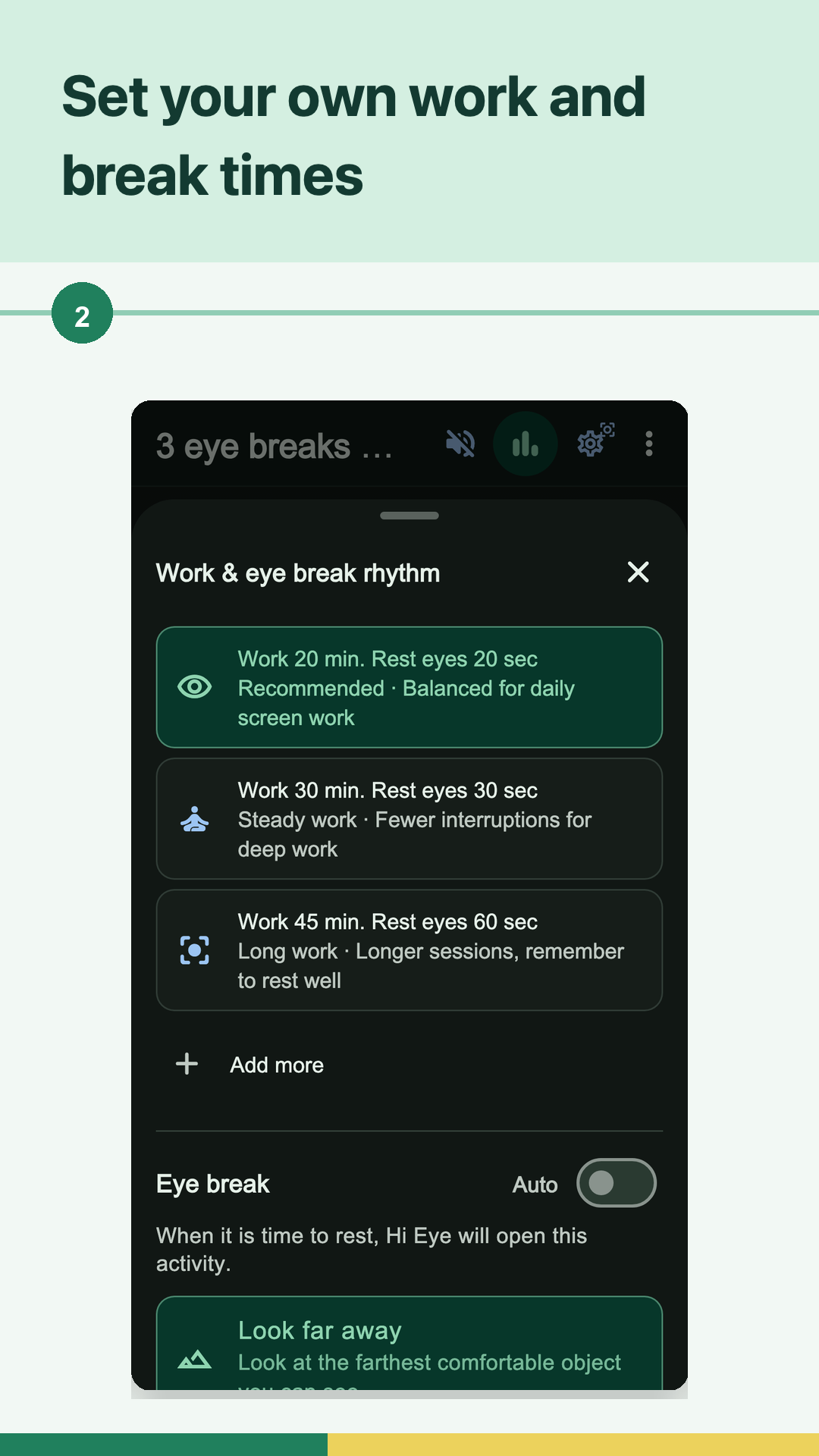
Start with a Work interval you can realistically notice. A reading block, a meeting, and a focused coding session may need different timing, so Hi Eye keeps the rhythm adjustable instead of forcing one schedule all day.
- Start Hi Eye when the next screen task begins.
- Pause at the reminder or restart it at a safer task boundary.
- Choose one guided activity and let the short timer or checklist make the pause clear.
- Change one timing setting if reminders are repeatedly ignored.
The existing Hi Eye guides explain the 20-20-20 pattern, flexible work-and-rest timing, and practical screen-break routines in more detail. The app landing page stays focused on choosing and using the product.
Know what reminders can do on each platform
On the web, browser reminders can appear while the Hi Eye tab remains open and notification permission is granted. Closing or suspending the tab, blocking notifications, or operating-system settings can prevent an alert, so keep the timer visible when delivery matters.
The native apps use platform notification features. On iOS 16.1 or later, optional Work and timed eye-break Live Activities can show progress on the Lock Screen when Live Activities are enabled; compatible iPhones can also show it in Dynamic Island. These platform surfaces are helpful status views, not a guarantee that every reminder will always arrive at an exact moment.
No account required
You can start Hi Eye without creating an account. Settings and simple daily or 7-day progress stay on the device or browser where you use the app, so another device may have a different timer and history.
This local-first setup keeps the routine lightweight. It does not mean every network feature of the website or app stores is offline, and it should not be read as a blanket security guarantee.
A wellness reminder, not medical care
Hi Eye helps you remember and structure a general screen-rest habit. It does not diagnose why your eyes feel uncomfortable, measure eye health, treat a condition, or prevent disease.
If pain, sudden vision changes, an injury, or other symptoms worry you or continue, consider advice from a qualified eye-care or healthcare professional rather than relying on a timer.