Choose the right Morse tool for the task
Hi Morse keeps conversion, reference, playback, and practice in one place so you can start with the task you have now instead of moving between unrelated tools.
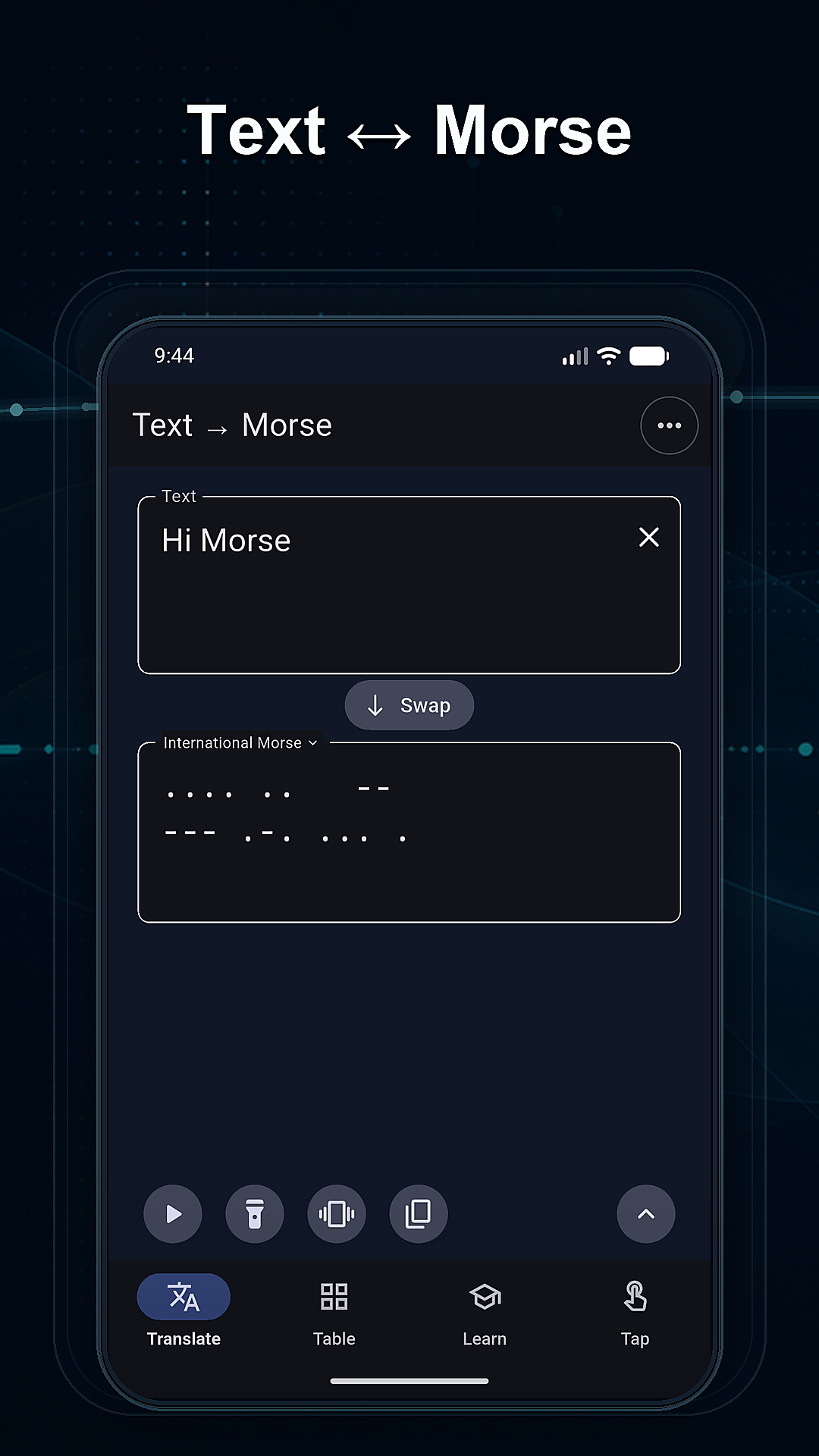
- Use the converter when you want to turn a short message into Morse code or decode a dot-and-dash pattern back to text.
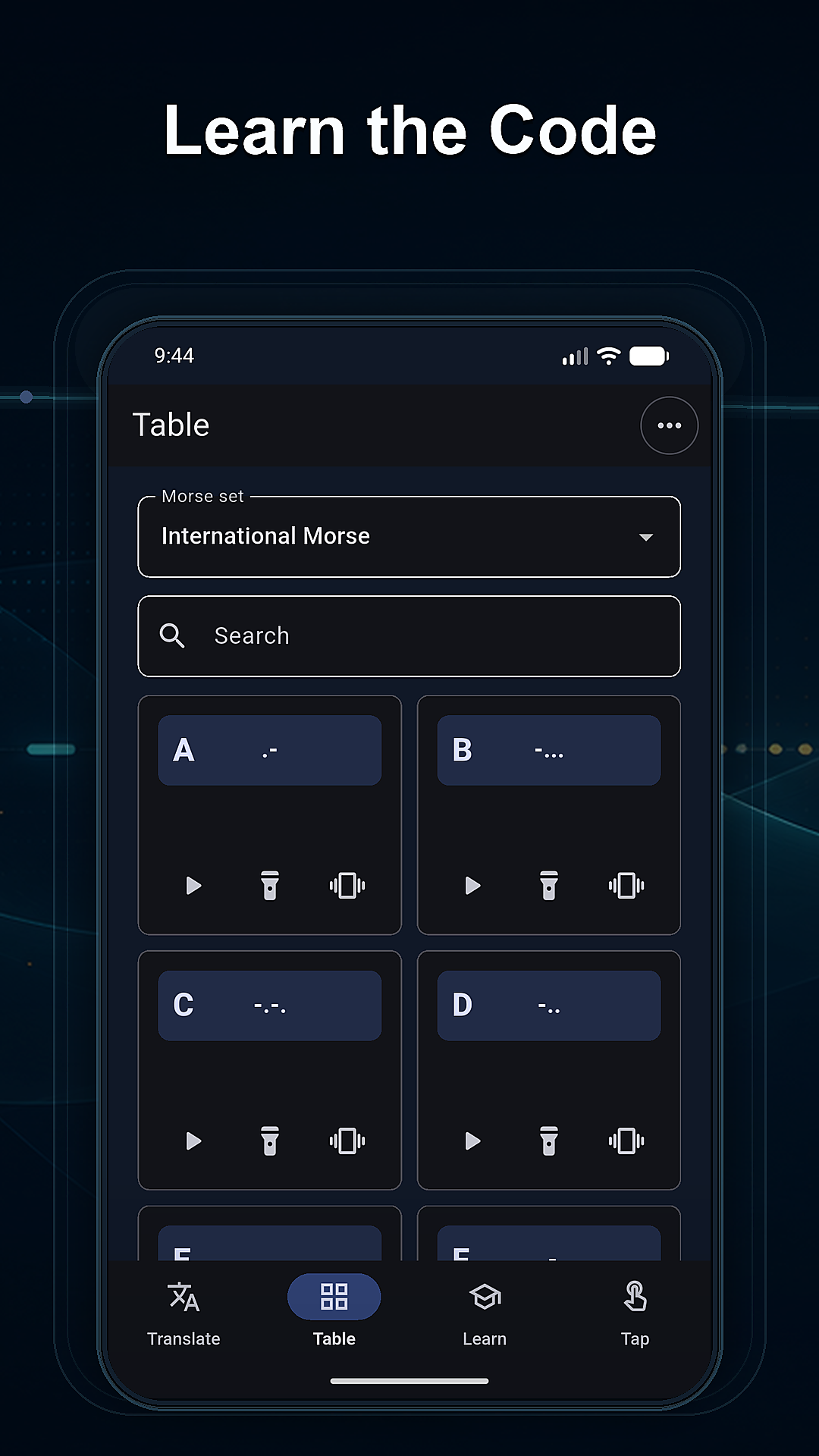
- Open the code table when you need to check a letter, number, or common symbol without leaving the app.
- Play Morse audio when you want to connect the written pattern with its sound and rhythm.
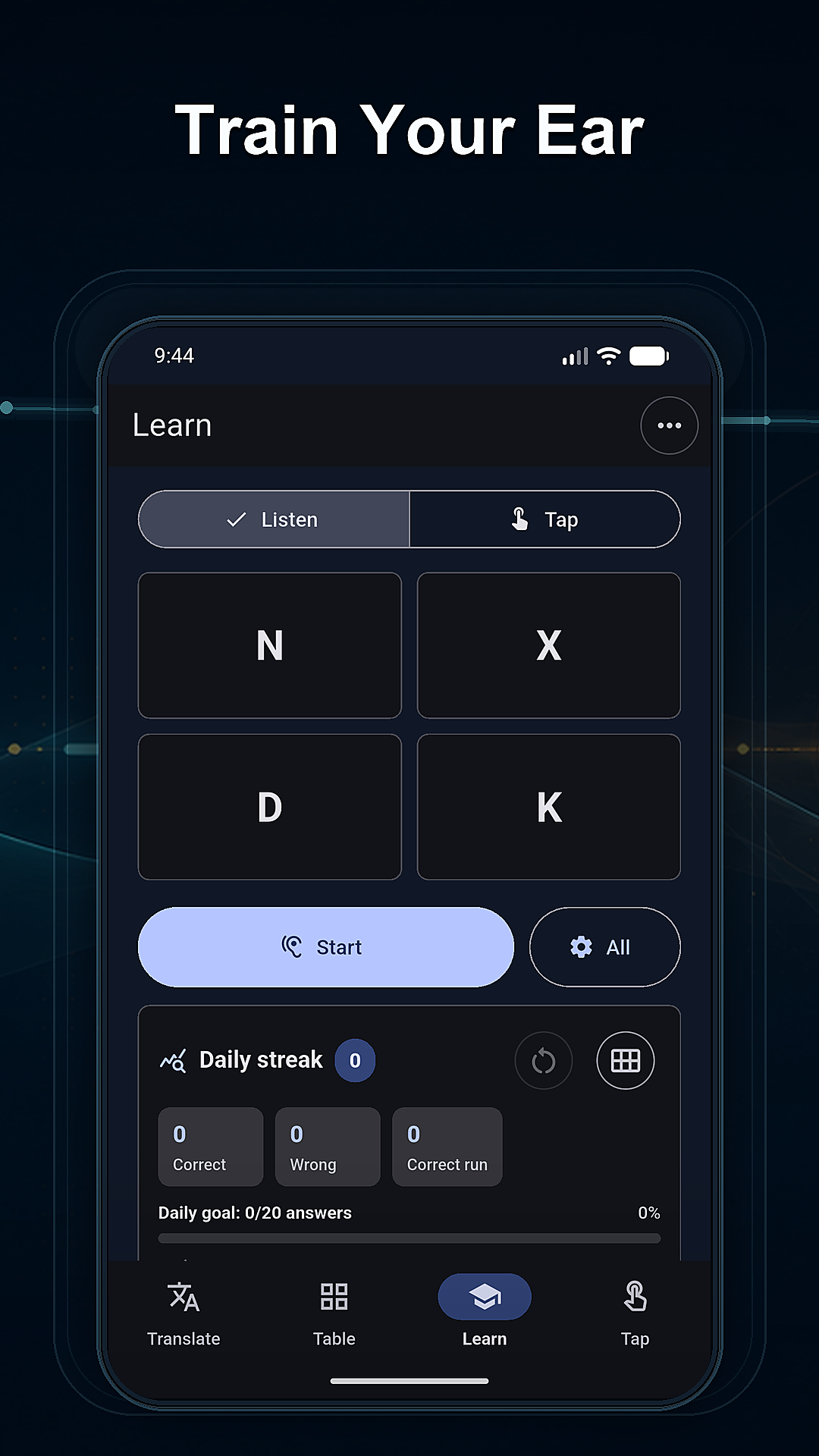
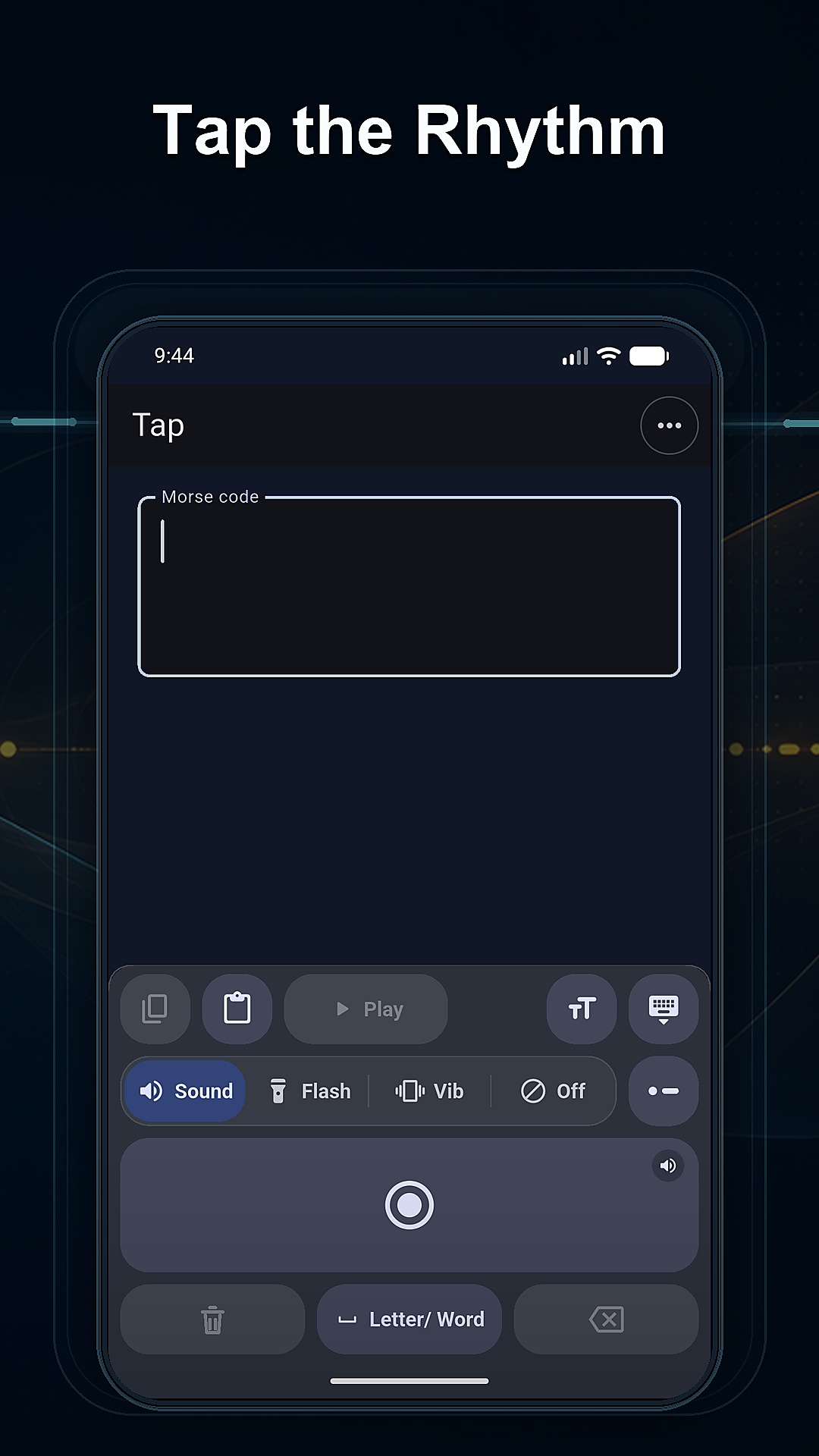
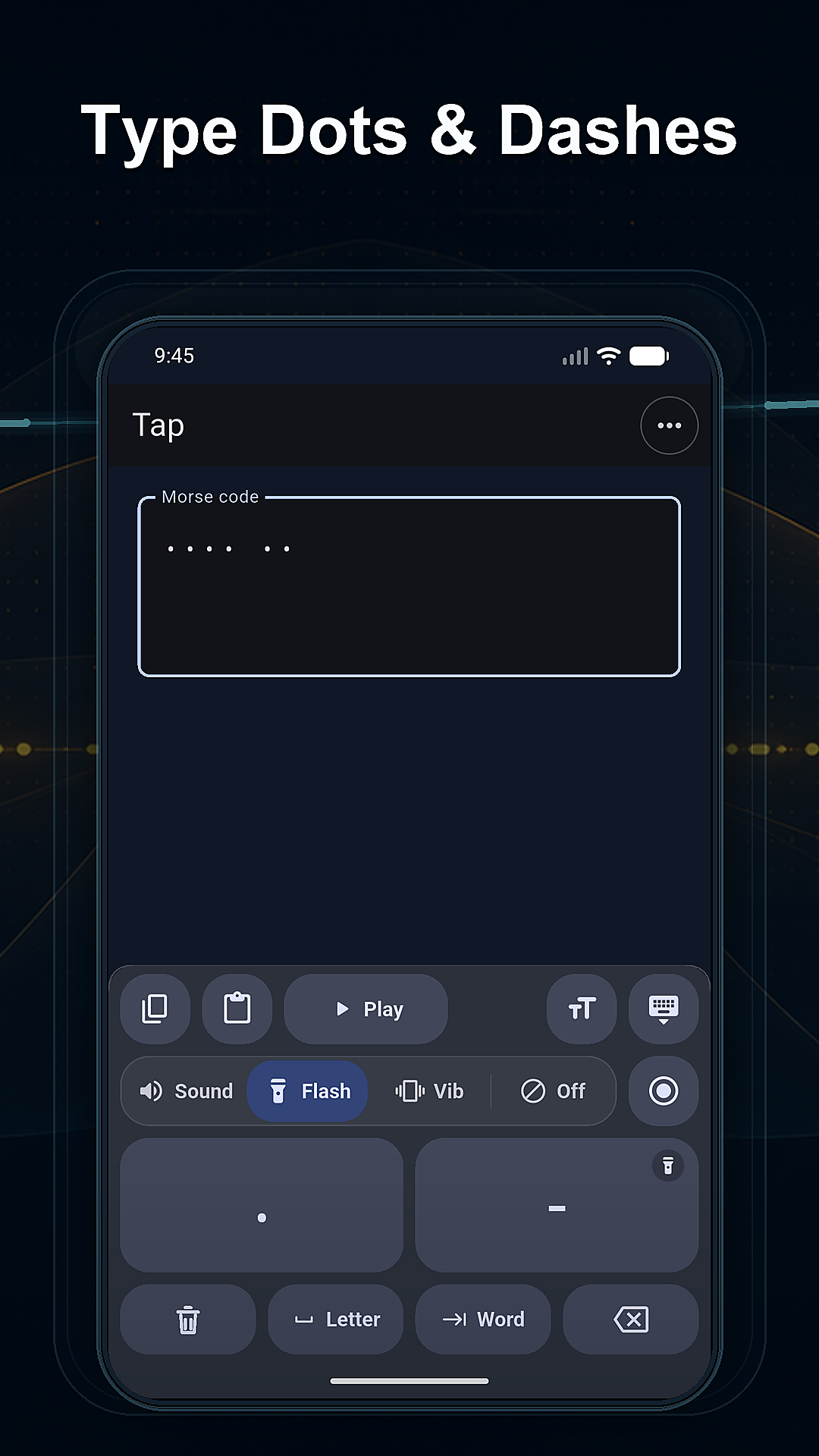
- Move to listening recognition or dot/dash input when you are ready to recall a pattern instead of only reading it.
A simple way to start practicing Morse code
Begin with one short word or a few characters. Convert the text, compare each character with the code table, and play the result so you can see and hear the same pattern.
- Repeat the audio at a rhythm you can follow.
- Try to identify the pattern in listening practice before checking the answer.
- Enter the same pattern with dot/dash input or the keyer to add active recall.
- Keep the session short, then return with another small set when you are ready.
This loop does not promise a fixed fluency timeline. It gives beginners a clear path from lookup to listening and input practice while keeping every step connected to the same Morse pattern.
Practice without creating an account
Hi Morse does not require an account. Morse text you enter, practice input, progress, recent patterns, and app preferences are stored locally on your device rather than uploaded to BaTip servers.
Open the web app for a quick session, or use a store or Mac version currently linked on this page when it better fits how you practice. The support and privacy pages explain current behavior and troubleshooting without making broader platform or privacy promises.